So, I’ve decided to start a blog (again)
Ages ago, back when things were simpler, I used to write a few technical posts on Blogger. It was a cool experience, and occasionally it’s still handy to take a trip down memory lane and revisit some old setups.
Then I noticed @Schistos documenting their setups in a similar way, nostalgia hit me, and I decided to dive back in and see what’s currently trending. After exploring a few static site generators, Hugo really spoke to me - and that’s exactly what you’re looking at right now 😉
How does it work?
Hugo is a static site generator. You write your content in Markdown files, and Hugo transforms them into ready-to-use HTML/CSS/JS pages during the build process. This ensures maximum loading speed and security, as there is no database or active backend running on the server.
It’s a perfect fit for a Git repository, and you can easily set up CI/CD to build and publish it to GitHub or GitLab Pages, which is exactly what we’re going to do.
Picking a Theme
First things first, head over to themes.gohugo.io and pick something you like. After spending several hours browsing every possible (and impossible) theme, I landed on Stack.
The theme’s GitHub README suggests using a repository template for a quick start. But hey, we’re not looking for the easy way out! I’ll be doing everything manually. Plus, I’m planning to host this on GitLab instead of GitHub, so I’ll need to tweak a few things anyway.
Installing Hugo
Let’s get Hugo and Git installed:
1
| sudo pacman -Sy hugo git
|
And a quick sanity check:
1
2
| hugo version
hugo v0.165.0+extended+withdeploy linux/amd64 BuildDate=unknown
|
Creating the Project
1
| hugo new project blog.hardfault.win
|
Hugo gives us a few hints on what to do next. Let’s see what we’ve got:
 1
 2
 3
 4
 5
 6
 7
 8
 9
10
11
12
13
14
15
16
17
18
19
20
21
22
23
24
25
26
| cd blog.hardfault.win && hugo server -D
Watching for changes in archetypes, assets, content, data, i18n, layouts, static
Watching for config changes in hugo.toml
Start building sites …
hugo v0.165.0+extended+withdeploy linux/amd64 BuildDate=unknown
WARN found no layout file for "html" for kind "home": You should create a template file which matches Hugo Layouts Lookup Rules for this combination.
WARN found no layout file for "html" for kind "taxonomy": You should create a template file which matches Hugo Layouts Lookup Rules for this combination.
│ EN
──────────────────┼────
Pages │ 4
Paginator pages │ 0
Non-page files │ 0
Static files │ 0
Processed images │ 0
Aliases │ 0
Cleaned │ 0
Built in 2 ms
Environment: "development"
Serving pages from disk
Running in Fast Render Mode. For full rebuilds on change: hugo server --disableFastRender
Web Server is available at http://localhost:1313/ (bind address 127.0.0.1)
Press Ctrl+C to stop
|
We can see the directories Hugo is watching, but we also see some warnings about missing templates. Time to fix that.
Setting Up the Theme
Hugo uses Go modules for dependency management, so let’s turn our project into a Go module:
1
2
3
4
| hugo mod init blog.hardfault.win
go: creating new go.mod: module blog.hardfault.win
hugo: to add module requirements and sums:
hugo mod tidy
|
Here’s what the go.mod looks like:
1
2
3
| module blog.hardfault.win
go 1.26.6
|
Next, let’s add our theme as a dependency:
1
2
3
4
5
| # ...
[module]
[[module.imports]]
path = "github.com/CaiJimmy/hugo-theme-stack/v4"
|
Restart the server:
 1
 2
 3
 4
 5
 6
 7
 8
 9
10
11
12
13
14
15
16
17
18
19
20
21
22
23
| hugo server -D
Watching for changes in archetypes, assets, content, data, i18n, layouts, static
Watching for config changes in hugo.toml, go.mod
Start building sites …
hugo v0.165.0+extended+withdeploy linux/amd64 BuildDate=unknown
│ EN
──────────────────┼────
Pages │ 8
Paginator pages │ 0
Non-page files │ 0
Static files │ 0
Processed images │ 0
Aliases │ 3
Cleaned │ 0
Built in 33 ms
Environment: "development"
Serving pages from disk
Running in Fast Render Mode. For full rebuilds on change: hugo server --disableFastRender
Web Server is available at http://localhost:1313/ (bind address 127.0.0.1)
Press Ctrl+C to stop
|
No more warnings! Let’s check it out in the browser:
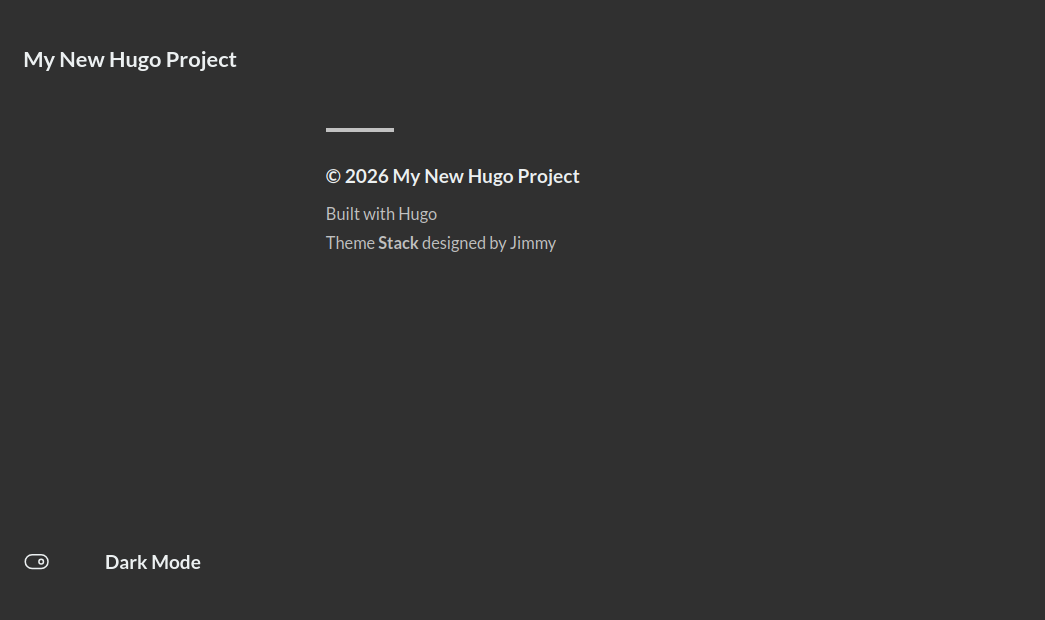
It’s a bit bare for now, but it works. Let’s examine the current dependency graph:
1
2
| hugo mod graph
blog.hardfault.win github.com/CaiJimmy/hugo-theme-stack/[email protected]
|
Customizing the Theme
To make it easier to browse the theme’s source code and apply tweaks (if needed), use the hugo mod vendor command. This downloads a local copy of the module into the _vendor directory, allowing you to search the theme code using your IDE.
This creates a _vendor directory in our project:
 1
 2
 3
 4
 5
 6
 7
 8
 9
10
11
12
13
14
| tree -d _vendor -L 5
_vendor
└── github.com
└── CaiJimmy
└── hugo-theme-stack
└── v4
├── archetypes
├── assets
├── config
├── data
├── i18n
└── layouts
11 directories
|
Let’s copy the theme’s configs into our project:
1
| cp -r _vendor/github.com/CaiJimmy/hugo-theme-stack/v4/config .
|
1
2
3
4
5
6
7
| tree config
config
└── _default
├── module.toml
└── params.toml
2 directories, 2 files
|
module.toml isn’t very exciting - just Hugo dependencies. But params.toml is where all the main theme settings live.
To keep things organized, it’s better to move the root hugo.toml into the config/_default/ directory and split it into thematic files.
Move the file:
1
| mv hugo.toml config/_default/
|
And while we’re at it, let’s tidy things up: move the import from config.toml to module.toml, rename some files, and so on. Here’s the result:
1
2
3
| baseURL = 'https://hardfault.win/'
locale = 'en'
title = 'HardFault.win'
|
1
2
3
4
5
6
| [hugoVersion]
extended = true
min = "0.157.0"
[imports]
path = "github.com/CaiJimmy/hugo-theme-stack/v4"
|
Now, let’s set up the sidebar menu:
 1
 2
 3
 4
 5
 6
 7
 8
 9
10
11
12
13
14
15
16
17
18
19
20
21
22
23
24
25
26
27
28
29
30
31
32
33
34
35
36
37
38
39
40
41
42
43
44
45
46
47
48
49
50
51
52
53
54
55
56
57
58
59
60
61
| [[social]]
identifier = "github"
name = "GitHub"
url = "https://github.com/elektro-NIK"
[social.params]
icon = "brand-github"
[[social]]
identifier = "gitlab"
name = "GitLab"
url = "https://gitlab.com/elektro.NIK"
[social.params]
icon = "brand-gitlab"
[[social]]
identifier = "linkedin"
name = "LinkedIn"
url = "https://www.linkedin.com/in/elektro-nik"
[social.params]
icon = "brand-linkedin"
[[main]]
identifier = "home"
name = "Home"
url = "/"
weight = 10
[main.params]
icon = "home"
[[main]]
identifier = "about"
name = "About"
url = "/about/"
weight = 20
[main.params]
icon = "user"
[[main]]
identifier = "archives"
name = "Archives"
url = "/archives/"
weight = 30
[main.params]
icon = "archives"
[[main]]
identifier = "search"
name = "Search"
url = "/search/"
weight = 40
[main.params]
icon = "search"
[[main]]
identifier = "links"
name = "Links"
url = "/links/"
weight = 50
[main.params]
icon = "link"
|
And let’s add the icons that weren’t included in the theme:
1
2
3
4
5
6
| tree assets/icons
assets/icons
├── brand-gitlab.svg
└── brand-linkedin.svg
1 directory, 2 files
|
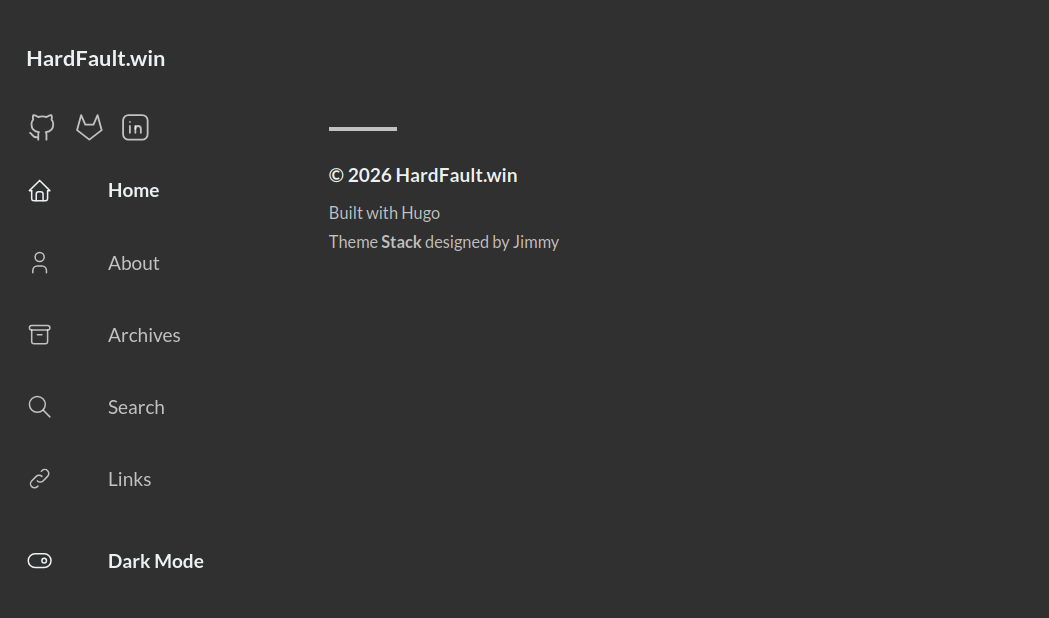
Currently, all links lead to 404 pages, but it’s a start! Let’s add the pages so we can see how they work:
1
| hugo new content content/page/about/index.md
|
1
| hugo new content content/page/archives/index.md
|
1
| hugo new content content/page/links/index.md
|
1
| hugo new content content/page/search/index.md
|
Edit the files:
1
2
3
4
5
| +++
date = '2026-01-01T00:00:00+00:00'
draft = false
title = 'About'
+++
|
1
2
3
4
5
6
| +++
date = '2026-01-01T00:00:00+00:00'
draft = false
title = 'Archives'
layout = "archives"
+++
|
1
2
3
4
5
| +++
date = '2026-01-01T00:00:00+00:00'
draft = false
title = 'Links'
+++
|
1
2
3
4
5
6
7
8
| +++
date = '2026-01-01T00:00:00+00:00'
draft = false
title = 'Search'
type = "page"
layout = "search"
outputs = ["html", "json"]
+++
|
Finally, let’s add an avatar and a favicon:
1
2
3
4
5
6
| tree assets/img
assets/img
├── avatar.png
└── favicon.png
1 directory, 2 files
|
 1
 2
 3
 4
 5
 6
 7
 8
 9
10
11
12
13
| # ...
favicon = "img/favicon.png"
# ...
[sidebar]
compact = false
avatar = "img/avatar.png"
emoji = "🦀"
subtitle = "Cortex-M panics, but we don't"
# ...
|
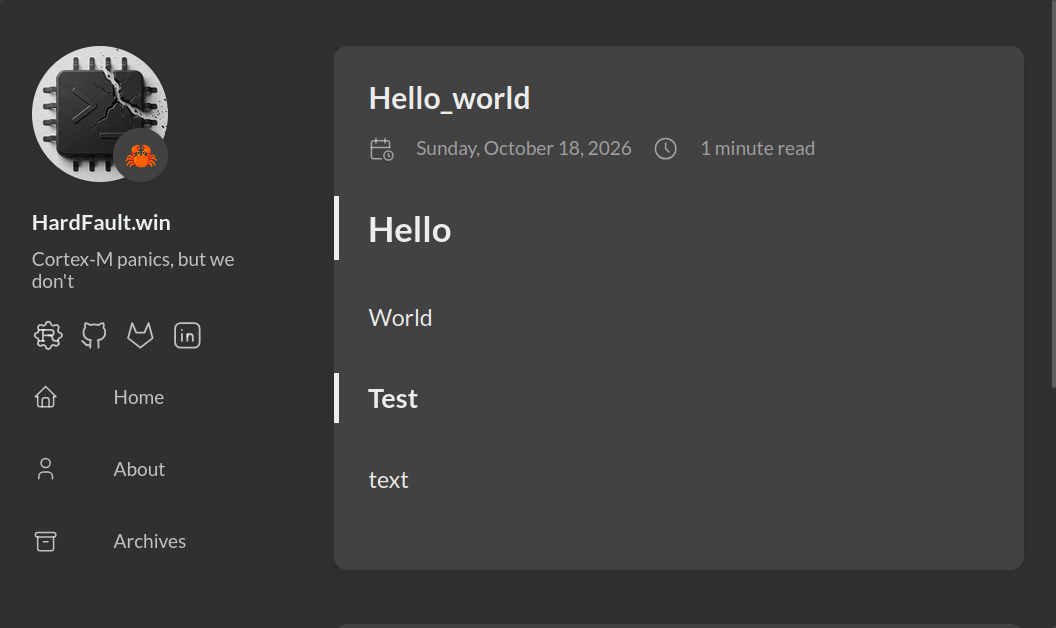
And let’s create a test post:
1
| hugo new content content/post/hello_world/index.md
|
1
2
3
4
5
6
7
| ## Hello
World
### Test
text
|
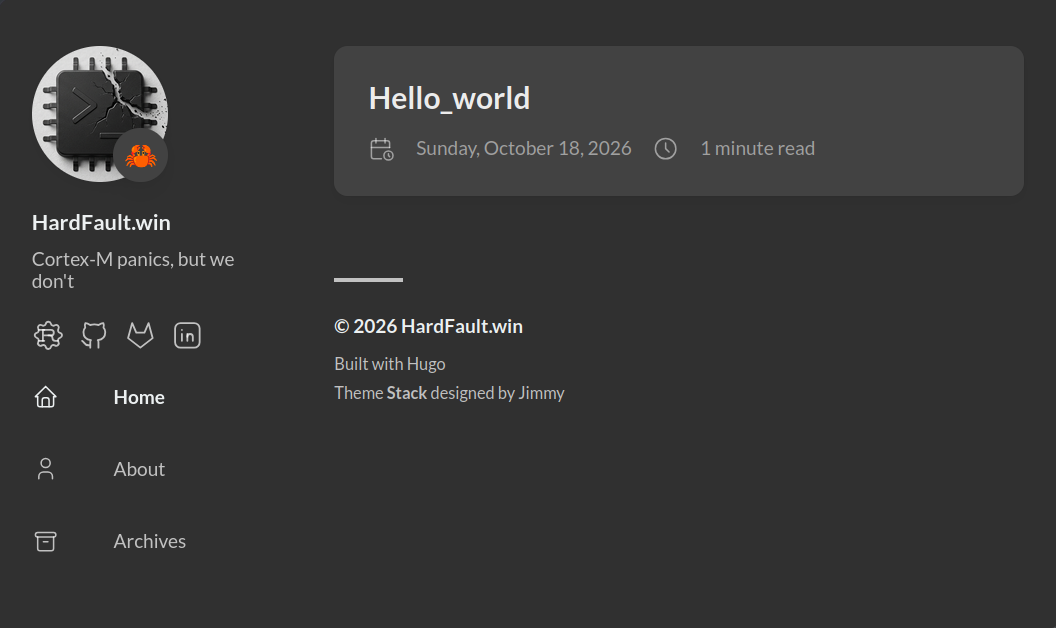
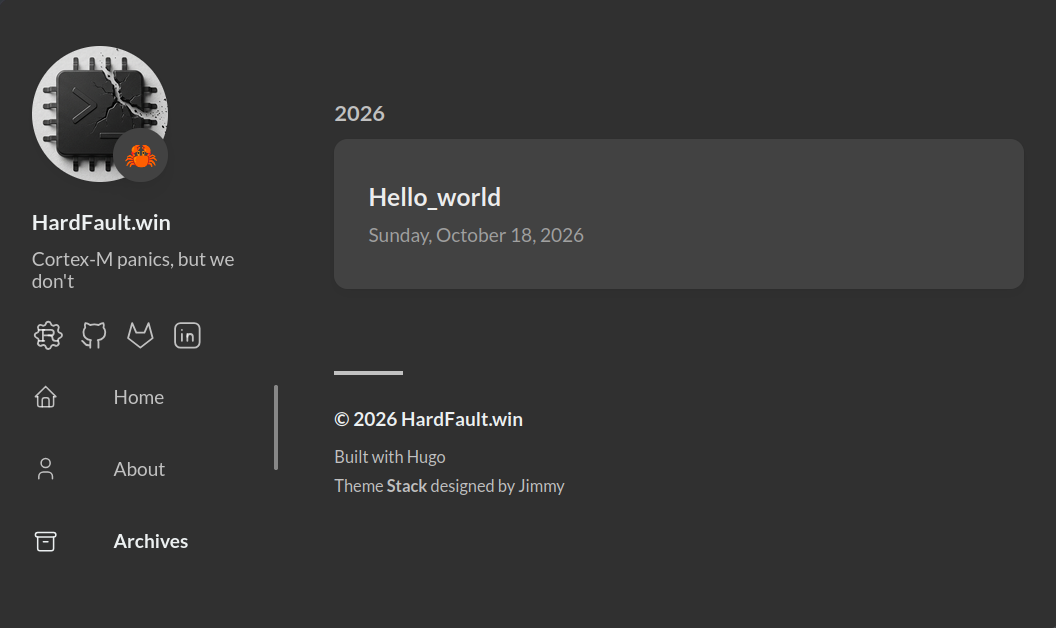
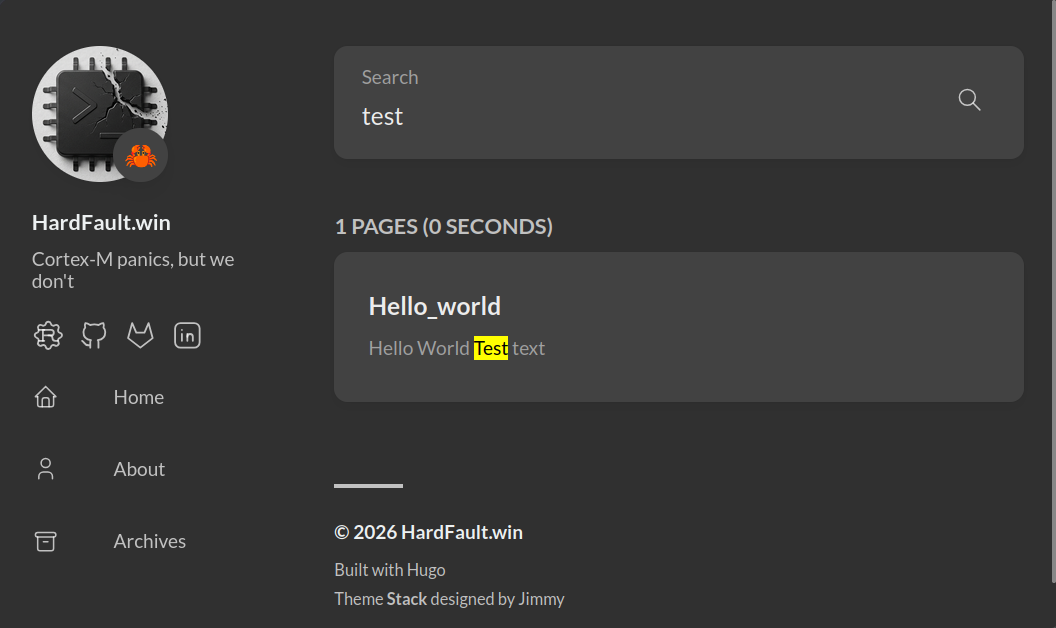
And there you have it! The site is now usable. In the next part, we’ll tackle adding multi-language support.
Configuration Cheatsheet
| File | Purpose |
|---|
hugo.toml | Main site settings (baseURL, title, locale) |
params.toml | Stack theme settings (Sidebar, Footer, Cookies, etc.) |
module.toml | Hugo version management and theme import as a module |
menu.toml | Navigation and social links for the sidebar |
languages.toml | Multi-language settings (if used) |